

Susanoo Wellness / Scheduling
A roster that checks itself.
Build the week once and let it repeat. The system checks every placement against your rules, suggests who can take a shift, and lets staff handle their own changes from the phone.
The week at a glance.
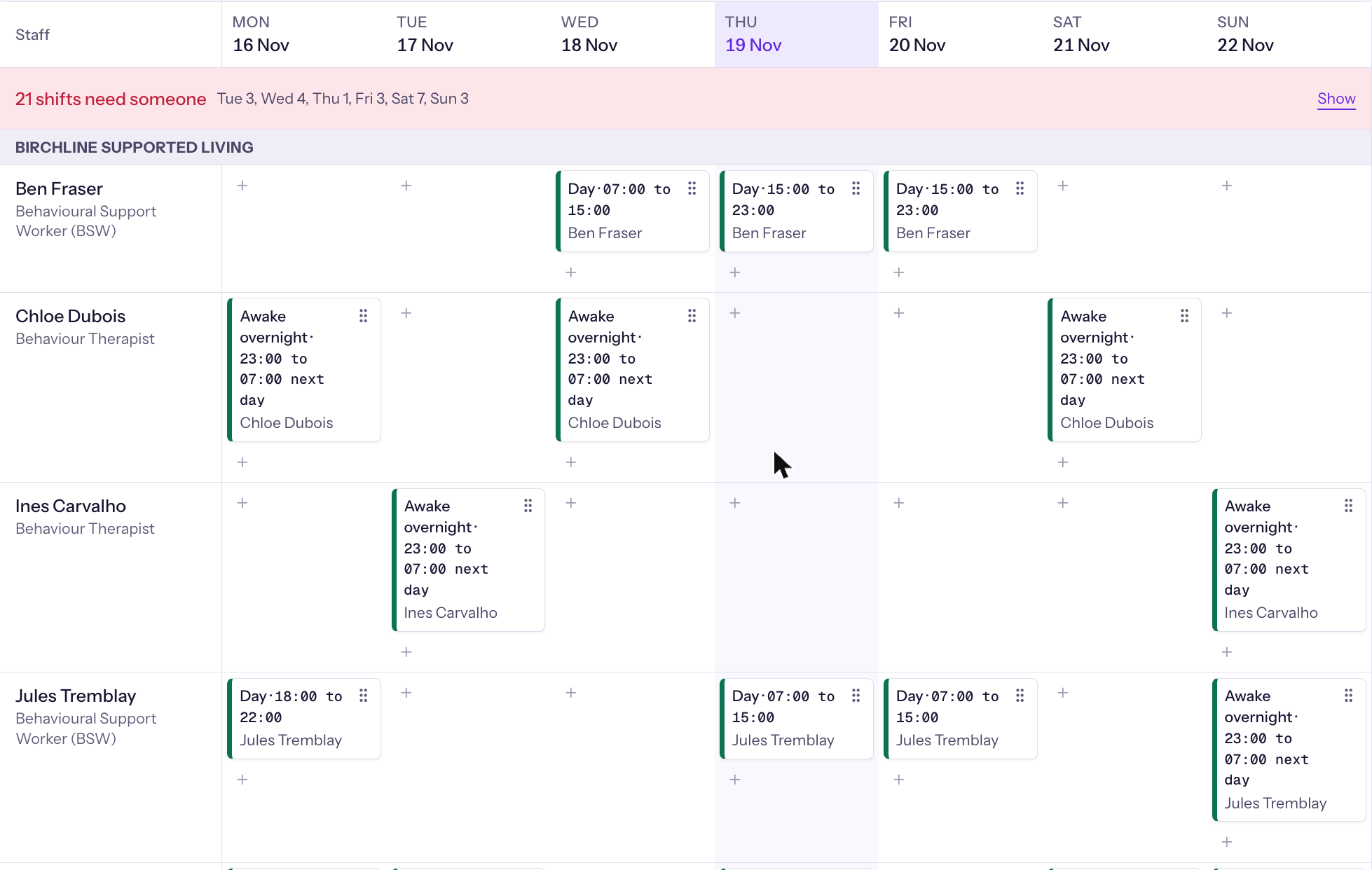
Every person is a row and every day is a column. An Unfilled row sits at the top, so a gap is the first thing you see.
- Drag a shift to move it, hand it to someone else or stretch it.
- Standing rotations for each house, generated forward instead of retyped.
- Three views of the same week: by staff, by client and by house.
- A printed one-page week for the house wall.
A shift that breaks a rule is refused.
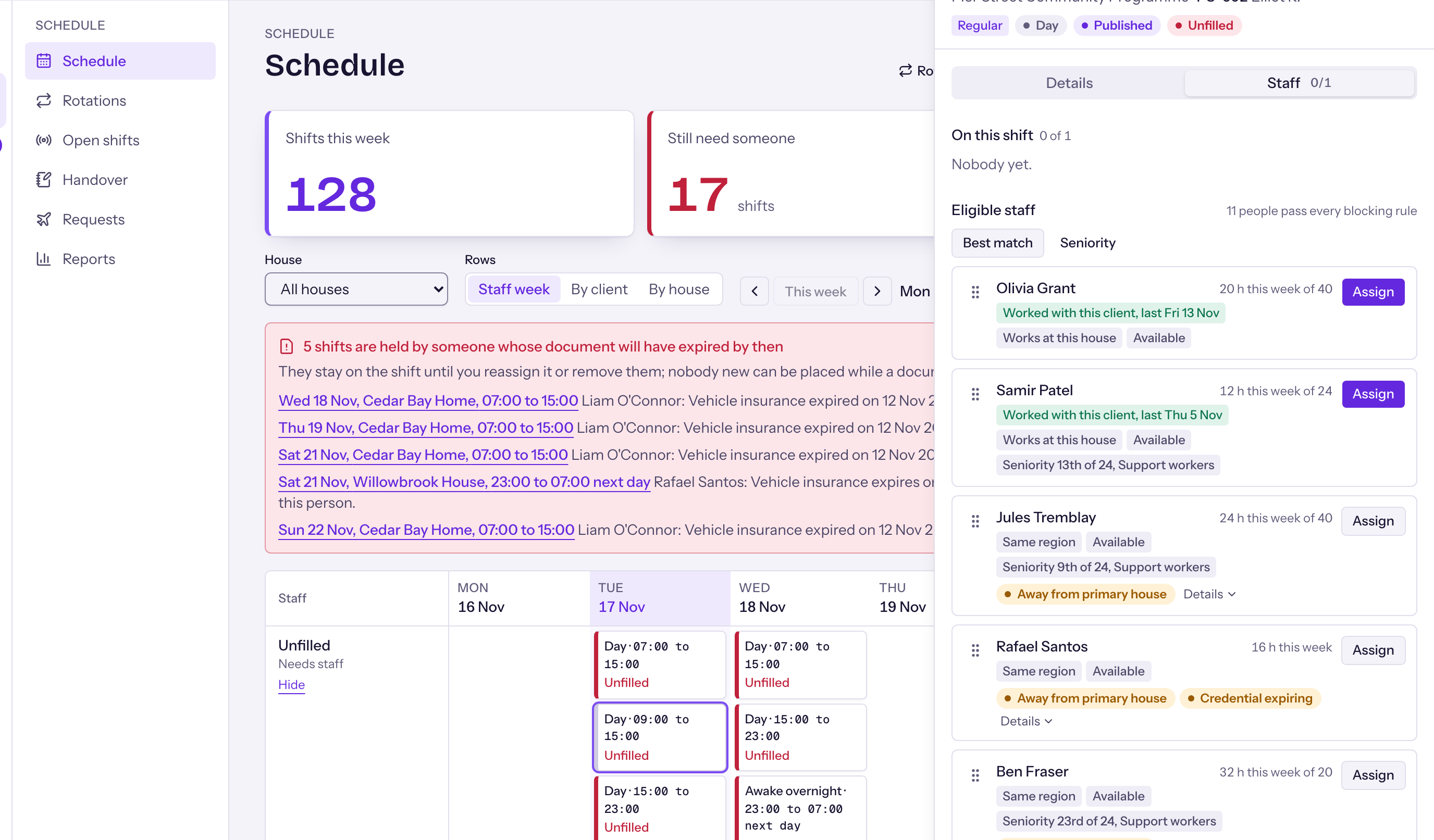
The rules are checked on every placement, whoever makes it. You set the rules for your organization, and the system holds to them.
One check for everyone
A supervisor, a phone claim, a swap and a rotation all go through the same check.
Certificates count
Someone whose certificate has lapsed is not scheduled until a renewal is on file.
Early warnings
Gaps are flagged before the week arrives, so they can be fixed in time.
Filling a gap without a group text.
- Suggested staff for every shift, best match first.
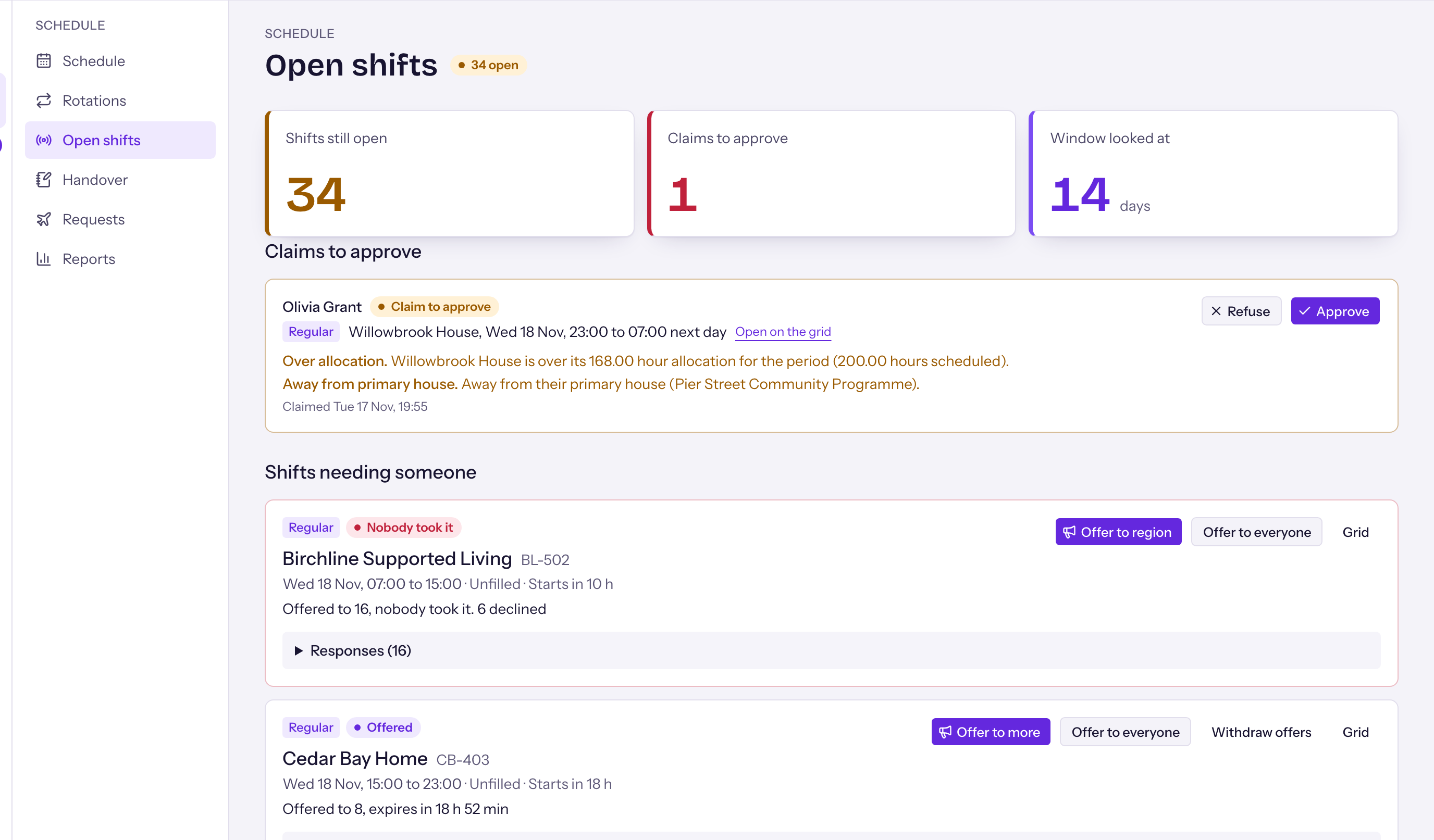
- An open shift board. Staff claim a shift from the phone.
- A call-off starts cover at once.
- Swaps between colleagues, with the rules checked.
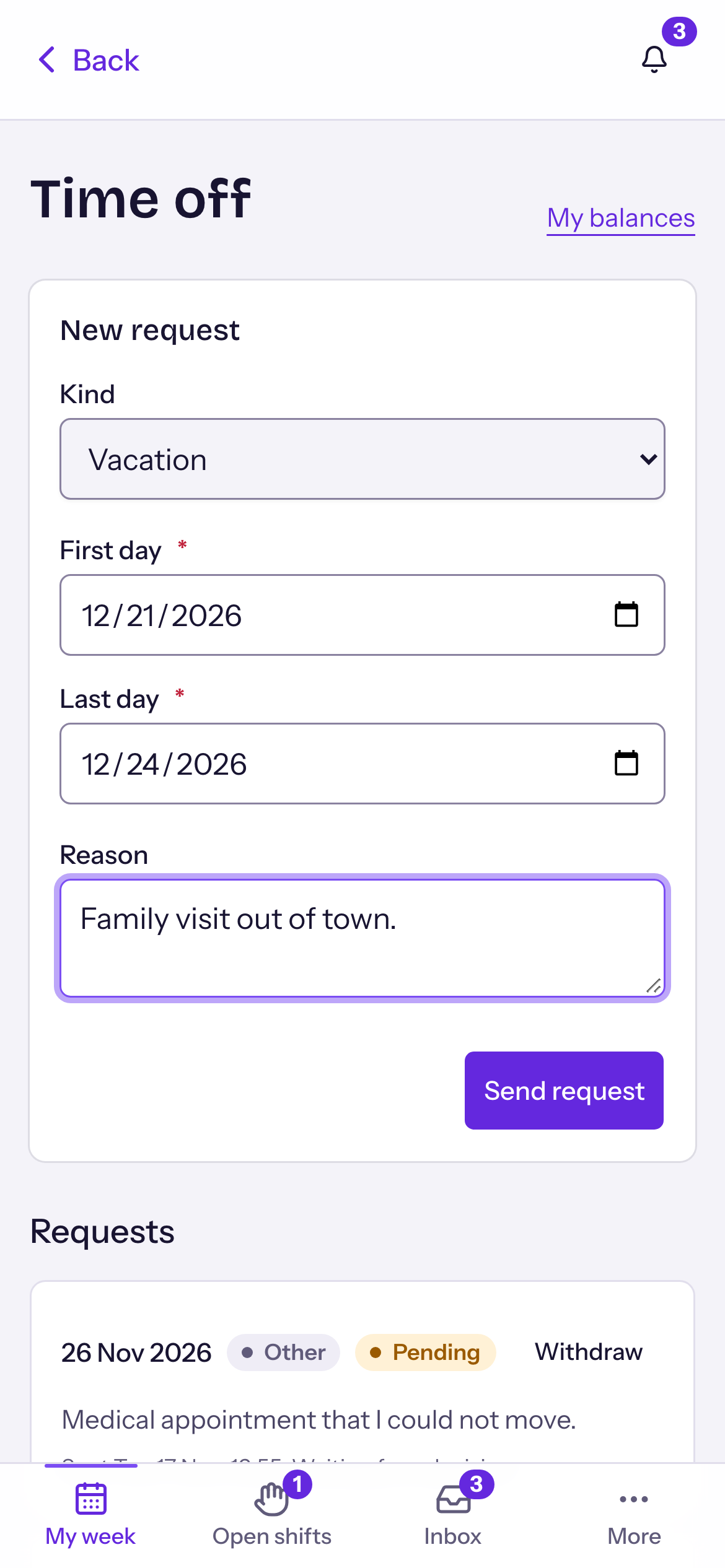
- Staff set their availability and ask for time off in the app.
Draft first. Then publish.
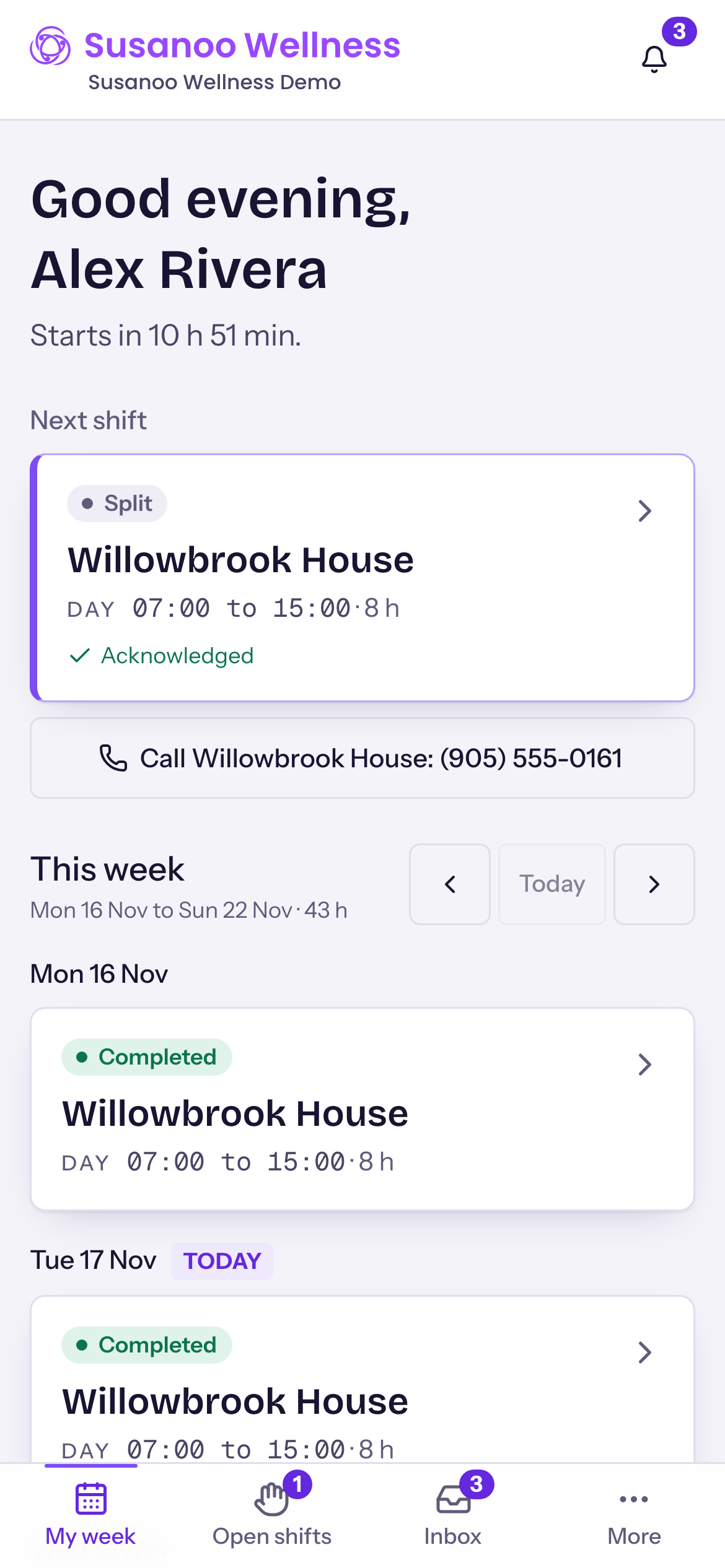
Work on the week in private, then publish it. Staff confirm they have seen each new shift, so you know it has landed.
- Open shifts, swaps and time off all work from the phone.
- Nothing to install: it opens in the phone's browser.
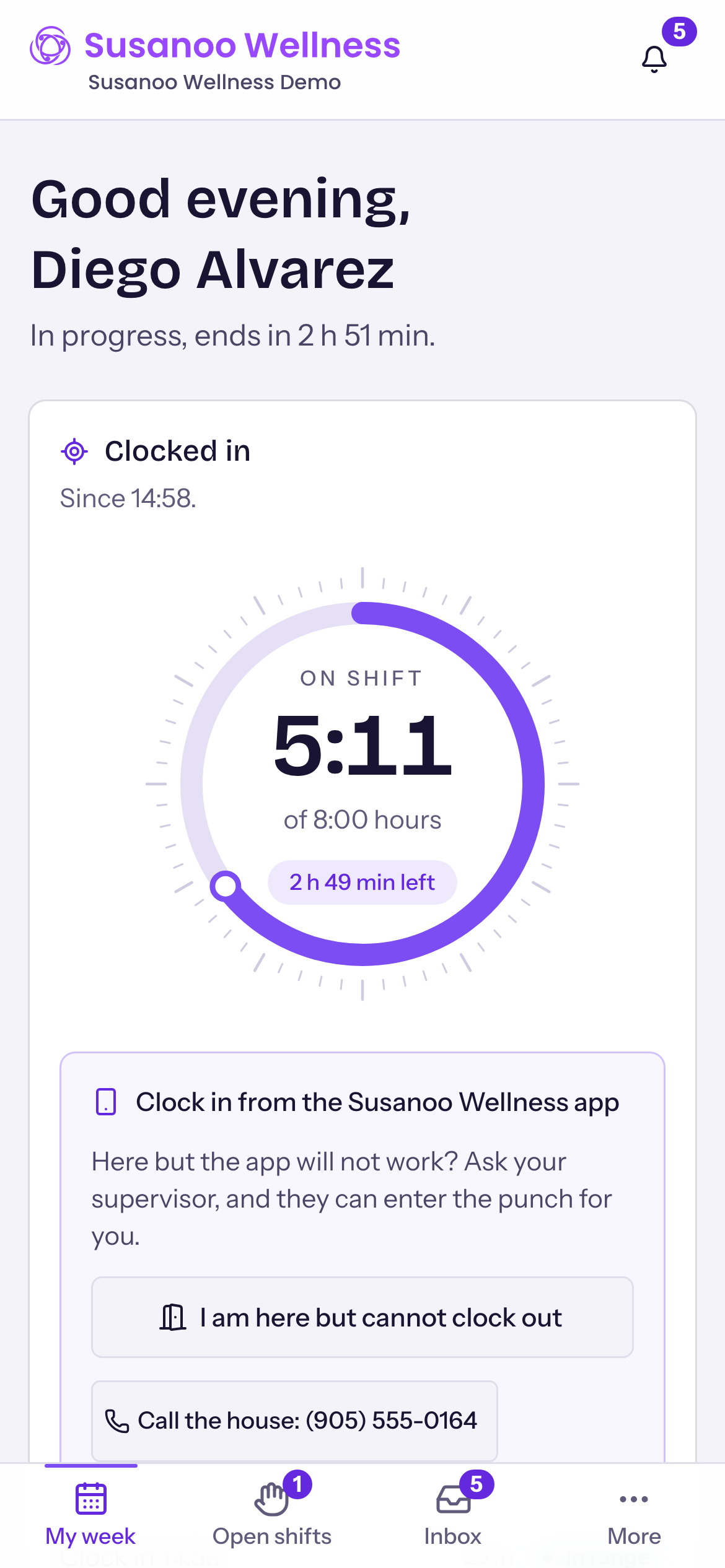
See a short week coming.
Gaps are flagged early, and each house gets a forecast of short weeks, so the office can act before it turns into a call at six in the morning.
Scheduling questions
Can a roster repeat every week?
Yes. You set a standing rotation for a house and the system generates it forward, so nobody retypes the week.
What happens if I place someone in a way that breaks a rule?
The system refuses the placement. The same check runs whoever makes the change: a supervisor, a phone claim, a swap or a rotation.
Can staff change their own shifts?
Staff can claim open shifts, offer a swap to a colleague, set their availability and ask for time off. Every one of those goes through the same rule check.
Is there a printed roster for the house?
Yes. You can print a one-page week for the house wall.